Visit / Mail
1850 Equipment Advisors Way
Osaka Agricultural Hub Desk
Global Dealer Coordination
Contact Kubota
Share acreage, hitch needs and the implements you already own. We will help route your inquiry to dealer support that answers with package options, not a blank form reply.
1850 Equipment Advisors Way
Osaka Agricultural Hub Desk
Global Dealer Coordination
+1-800-582-6823
[email protected]
Parts desk available weekdays
Mon–Fri: 08:00–18:00
Sat: 09:00–13:00
Sun: closed / emergency dealer routing
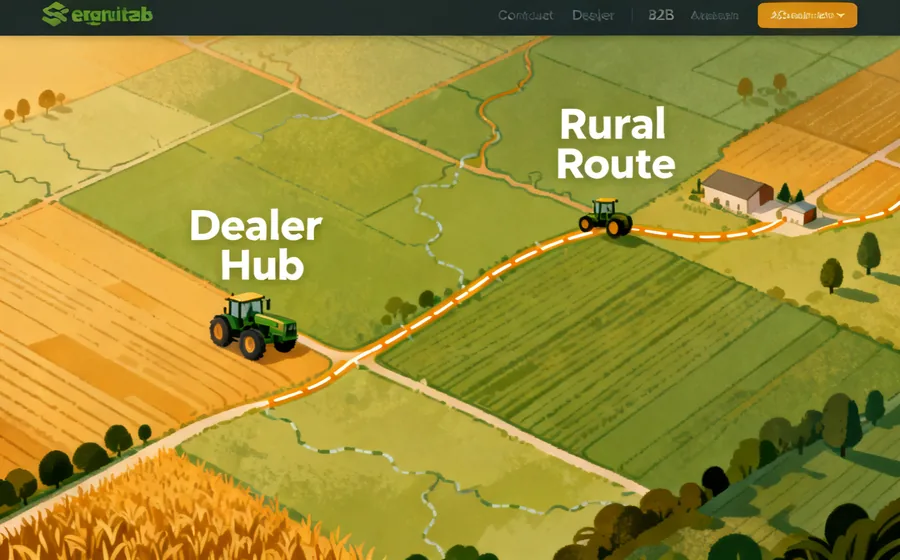
Dealers respond more clearly when inquiries already list crop type, approximate hectares, hitch class guesses and whether loader or mower work dominates the week. If you completed the Farm Setup Guide checklist, paste the highlights here. The goal is not a longer message—it is a message a service advisor can act on without a second clarifying call.
For mixed operations, note whether fertigation timing, rotary tiller blocks or livestock chores create the tightest calendar pressure. Mention gate widths, orchard lane constraints and any drip tape or shade screen edges that limit turning. If you already compared a compact package against a utility tractor around the 75 hp class, say which geometry problem remains unresolved.
Procurement teams can also attach ISO 9001 or CE documentation requests in the project details field so dealer replies include the paperwork path alongside model options. We will not invent field measurements for you—if a dimension is unknown, mark it TBD and we will ask for a verification step before quoting.
The form below uses the same fields as the quote modal, but this page keeps your contact context and map notes visible while you write.